
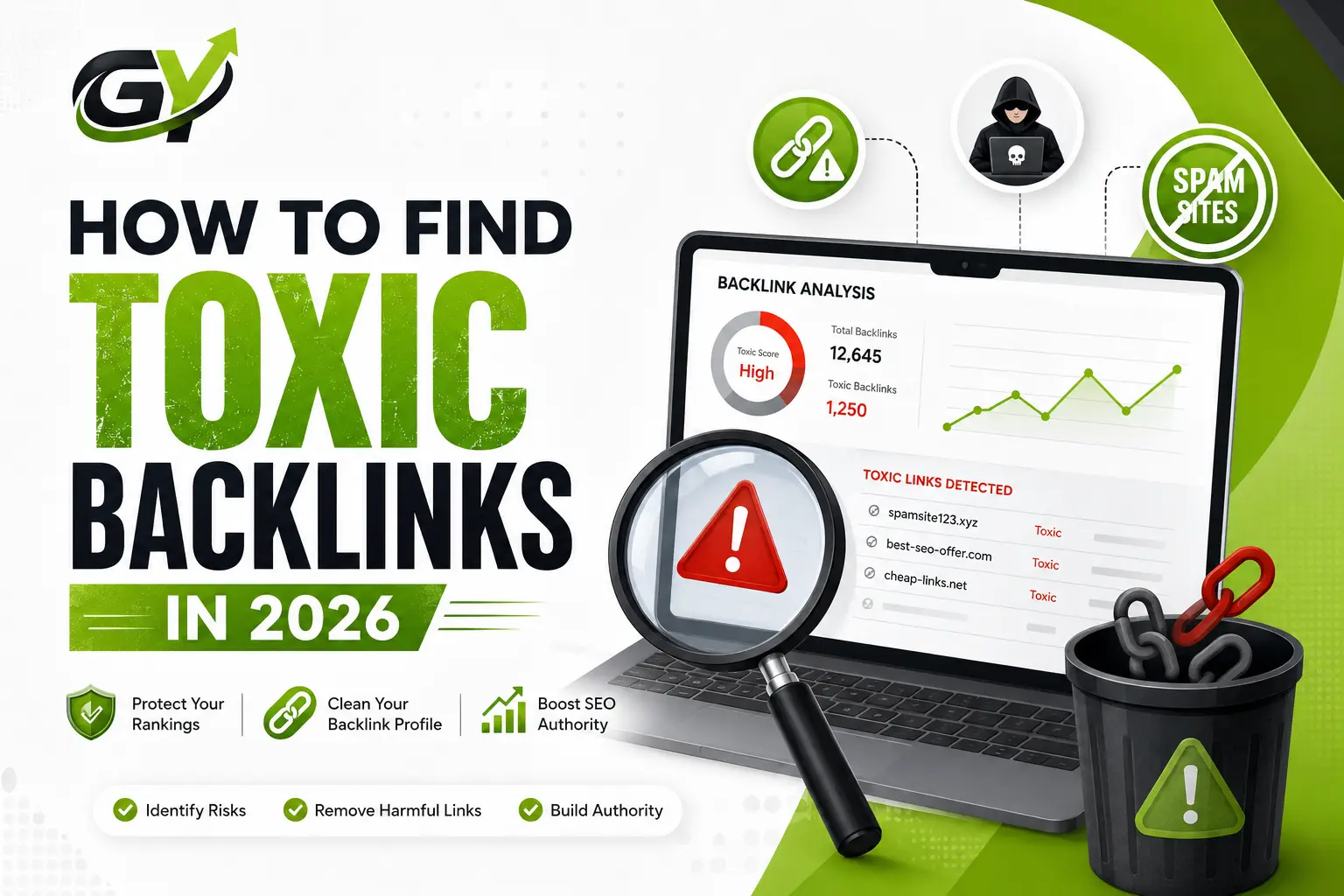
How to Find Toxic Backlinks in 2026
Look at your website’s link profile right now. Honestly, it is probably a total disaster. You will find random junk directories, weird scraper bots, and strange foreign sites linking to your pages. A few years back, everyone would just freak out over this. The standard move was to run to the Google disavow tool and start deleting links like crazy.
But if you are doing that here in 2026, you are making a massive mistake. It is actually going to tank your SEO rankings.
The web doesn’t work that way anymore. Google’s core systems have evolved past counting flat metrics or just looking at some automated “Domain Authority” score. Today, they look at actual intent. You have to learn how to tell the difference between a real threat and harmless internet noise, or you will end up destroying your own hard work. Let’s look at how you actually track down toxic backlinks these days without overcomplicating things.
What Makes a Link “Toxic” Anyway?
Let’s kill a big lie first: a link from a low-authority site is not automatically a toxic backlink. If a local food blogger with a tiny Domain Rating links to you, that’s completely fine. They are a real human writing for real people, so who cares if their metrics are low?
In 2026, real toxic backlinks look like industrial machinery. They have very obvious, ugly automation patterns. Here is what you should actually care about:
- Link Farms: Platforms built purely to sell guest posts. Their front page covers crypto, dog food, and casino bonuses all at once.
- Negative SEO Attacks: Shady bot networks are hitting your URL with thousands of junk links overnight using adult or gambling anchors.
- Scraper Bots: Nasty plugins that directly steal your entire articles and republish them on cheap domains but your original internal links remain buried within these copies.
- Blacklisted Marketplaces: These are low-cost link bundles from platforms that search engines have detected and blacklisted for a long time.
Two Things to Keep in Mind Before Auditing
Don’t open your SEO software until you get your mindset straight. Panic will cause more damage than any bot network ever could.
Initially focus on trends rather than isolated links. One strange link from a foreign country won’t disrupt your business. The internet is always buzzing with noise and algorithms are designed to detect large-scale manipulation, not a single stray link.
Also keep in mind that Google does a pretty good job of filtering out most of this rubbish. Their advanced systems simply disregard junk links. If a spam bot links to your site, its value is zero. You won’t get an algorithmic penalty unless there is clear evidence that you deliberately bought that spam.
Tracking Down the Actual Bad Links
Start by opening your favorite backlink tool like Ahrefs or Semrush. The procedure you follow is more or less the same regardless of the platform.
Initially, export your data as is. Access your dashboard, locate the backlinks section, and download the full list of your referring domains.
Then, you want to find out the genuine threats. Don’t bother trying to analyze huge spreadsheets manually. Instead, resort to filters to automatically highlight the problematic areas. Within the tool, you can specifically target domains that exhibit severe toxicity scores, or you can also sort by sites that have lots of links to you but no organic search traffic at all. Furthermore, if your business caters to a local or traditional market, watch out for weird TLDs like.xyz.top, or.pw.
Lastly, review your anchor texts. This analysis is a very fast method to detect metaphorically an attack via links. For example, if your website is selling organic tea, but the top anchors that have been growing lately are related to online casinos or writing essays services, then you have uncovered a significant surge of toxic backlinks.
You Found Them. What’s the Next Move?
When you actually spot a heavy pattern of genuine toxic backlinks, you have two simple choices.
The Best Move: Do Absolutely Nothing
If you didn’t purchase those links yourself and probably it’s just random scraper spam, then simply leave them alone. The latest algorithm is designed to automatically counteract such background noise. So, instead of spending hours chasing automated bots, get on with writing excellent content.
The Rare Move: The Disavow Tool
This is a measure for the most desperate cases, like when you get a cautionary “Manual Action” message one day in Google Search Console, or if you decide to fix a legacy mess made by a cheap SEO firm you hired years ago.
Creating a simple text file, listing the bad domains in the correct format, and uploading it to the Google Disavow page is how you do this. Be very, very cautious when using it.
Conclusion
Managing your link health this year isn’t about having a 100% perfect, sterile profile. The web is a messy place. Just keep an eye out for huge spam waves, let Google handle the small stuff, and focus on building a brand that real people actually want to talk about.
FAQs
1. Will toxic backlinks drop my traffic instantly?
Almost never. Google prefers to simply ignore bad links rather than hand out automated site-wide penalties. Real drops usually only happen if you are running a massive, intentional network of paid links.
2. Can I run a link audit for free?
Yes. Go to Google Search Console and check your “Links” section. It won’t give you an automated toxicity percentage, but you can export the full list and check for weird spikes or bad anchor texts without paying a dime.
3. How often should I check my link profile?
For a normal business site, a quick check once every six months is plenty. You only need to look at this monthly if you run a massive enterprise site or see a sudden, unexplained drop in your organic traffic.
4. Should I pay someone to manually remove bad links?
Save your money. Spam sites are going to completely ignore your emails asking to remove links anyway. The disavow tool is free and works much better.
5. Can I undo a disavow file if I make a mistake?
Yes, you can upload a new file with that domain removed. But beware: it can take weeks or even months for Google to re-crawl those pages and give you that link value back. Think twice before cutting.