

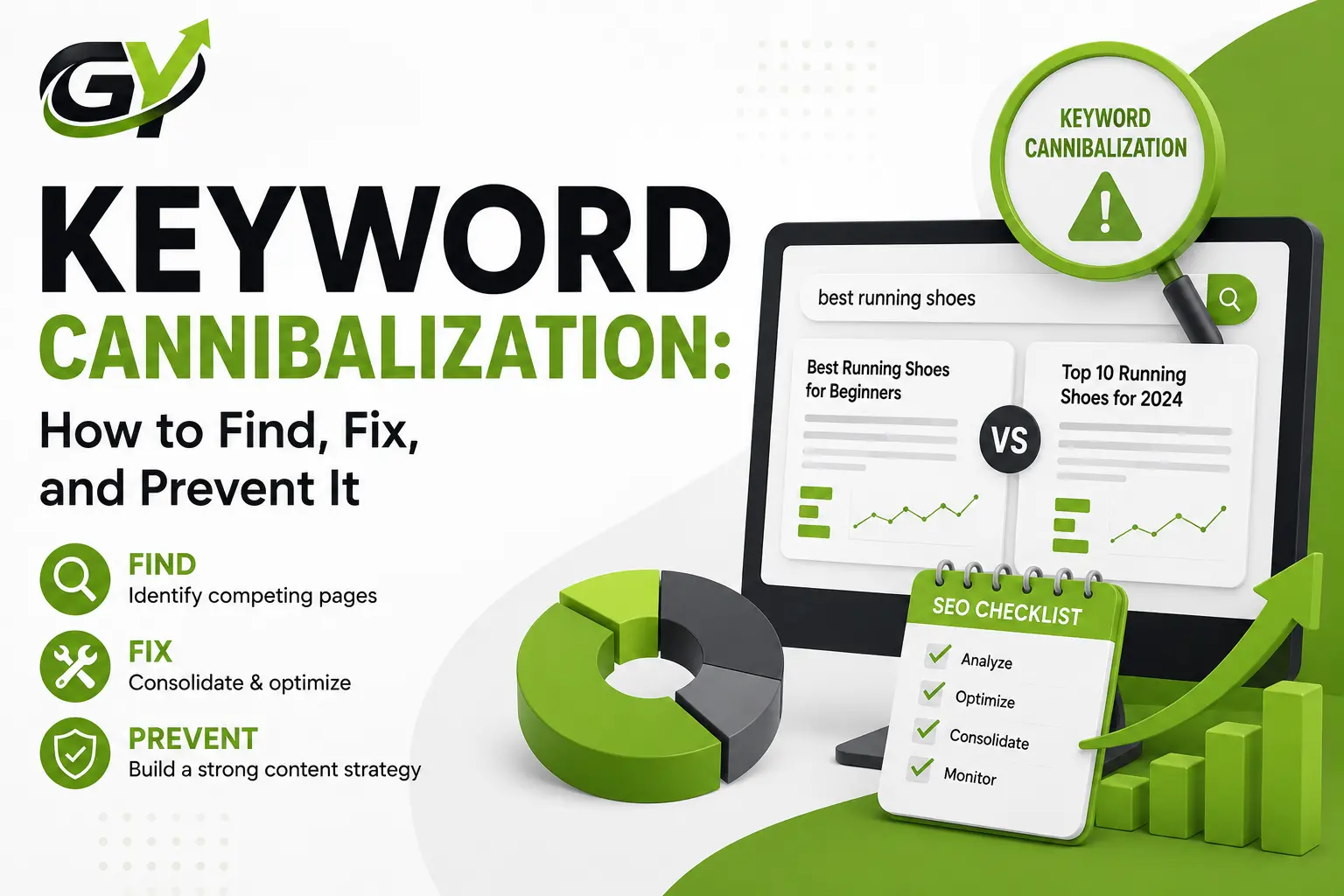
Keyword Cannibalization: How to Find, Fix, and Prevent It
Let’s be honest. When you pour hours into building a website, your first instinct is to create as much content as humanly possible. You assume that if you write four different articles about the exact same topic, you are giving yourself four distinct chances to win a spot on the first page of Google.
It sounds logical on paper. But in the real world of modern SEO, this strategy completely backfires.
Instead of dominating the search results, you end up triggering a massive internal conflict known as keyword cannibalization. When this happens, your own pages essentially go to war with each other, stealing traffic, authority, and conversions from your own brand. Instead of outranking your actual business competitors, you are actively forcing your own content to fight for survival.
If you want to maintain your visibility on search engines and make sure that your valuable traffic is not divided amongst several incomplete URLs, then you need a proper, well-organized strategy. This is your handbook to identifying and eliminating this covert traffic destroyer.
What Actually Is Keyword Cannibalization?
Before we look at the data, let’s clear up a huge misconception that scares a lot of website owners. Keyword cannibalization does not mean your website can never mention the same phrase across different pages. It is completely natural to talk about your core business topics in multiple places.
True keyword cannibalization only occurs when multiple URLs across your domain target the exact same search intent and actively compete for the identical search terms in Google rankings.
Think of it from a search engine’s perspective. When Google encounters three different pages on your site all trying to serve as the definitive answer for the exact same query, its crawlers get incredibly confused. It struggles to determine which specific URL is the true authority. As a direct result, the algorithm might constantly swap the positions of your pages back and forth, or it might just give up and drop the organic rankings for all of them.
A Practical Example of Intent vs. Conflict
To understand the difference between natural overlap and a toxic layout, let’s look at a quick comparison:
- The Safe Layout (Different Intent): Imagine you run an online fitness store. You have a product category page optimized for “buy home gym equipment,” a blog post that answers “how to maintain home gym cables,” and a local landing page for your Chicago store. These pages mention similar phrases, but they serve completely different user journeys. They will never cannibalize each other.
- The Cannibalized Layout (Identical Intent): Now imagine you publish three separate blog posts over two years: “Best Home Gym Equipment for Beginners,” “Top Home Gym Gear for New Workouts,” and “Essential Gym Setups for Small Spaces.” All three of these articles are targeting the exact same generic search intent. This is a classic textbook case of internal competition.
The True Hidden Costs of Internal Ranking Competition
Leaving multiple pages to target the identical search query creates a series of quiet, compounding problems under the hood of your website.
1) Wasted Crawl Budget
Search engine bots are time-limited. They set a specific “crawl budget” for your site at each visit. If your internal structure leads crawlers to use their time in parsing and indexing multiple near-duplicate versions of the same topic, you will be directing your valuable resources to waste. This will also be a cause of direct delay in the indexing of brand-new products, critical services, or highly unique updates that really need immediate exposure.
2) Fluctuating Rank Signals and Lower Conversions
Rankings may fluctuate drastically when search engines do not find your definitive URL. What is even worse is that the algorithm may decide to show the casual blog post that you use only to provide information to your customers instead of the highly converting checkout page for a buying query. Such a mistake will have an immediate negative impact on your sales and leads.
Step-by-Step: How to Find the Real Culprits
If you want to detect instances of internal ranking conflict on your site, you may want to use a quick Google trick alongside the comprehensiveness of Google Search Console and subscription-based tools like Ahrefs or Semrush
Method 1: The Quick Google Search Operator
One of the quickest ways to find out if there might be some issues related to a topic is to do a direct site search on Google.
- First, you need to start a new browser window that doesn’t keep your history.
- Then, enter site:yourwebsite.com “your target keyword” in the search box.
- What to look for: This particular command will make Google show only the pages from your site that it deems relevant for that phrase. If you find three or four pages with very similar titles and almost duplicate meta descriptions, it means you have found a key area that can be consolidated..
Method 2: Analyzing Google Search Console Data
Google Search Console is completely free and incredibly accurate because it shows you real performance data straight from the source.
- Step 1: Log in to your dashboard and navigate to the Performance report.
- Step 2: Click on the Queries tab to view the specific terms driving views to your site, and click on a target keyword you suspect is suffering.
- Step 3: With that specific keyword filter applied, click over to the Pages tab.
- Step 4: Review the list. If you see two or more distinct pages accumulating impressions and clicks for that exact identical query over the same period, you are looking at an active case of keyword cannibalization.
How to Prevent Future Cannibalization Issues
One of the safest ways to prevent ranking issues is by habitually following a proper routine while publishing. It is better to set your site organization on the right path from day one and thus avoid having to conduct tedious cleanups later.
- Use a Central Keyword Map: It is very beneficial to maintain a central spreadsheet where you can keep a record of your live URLs, along with their main target keywords. Getting your team members to open this file for checking prior to starting writing or initiating launching processes is a must. If your site already has a relevant page, instead of publishing a new one that will compete with the existing page, expand and update that existing page.
- Develop a Clear Visual Hierarchy: Your website, in terms of categories, should be built on the structure that is so clear it can only be likened to that of a hub-and-spoke or a silo model. You will have one main pillar page that talks about a broad topic in a comprehensive manner, and the smaller sub-pages that handle the specific sub-topics will be your support. Each sub-page will have a link that will go directly to the main pillar page with clear, distinct anchor text. Such a hierarchy hardly allows any chance for the search engine bots to not get the relation of your pieces of content without causing an internal conflict.
Final Thoughts
Managing your website’s keyword targeting is not about completely avoiding the mention of similar terms across your various pages. The web is naturally conversational, and topics will inevitably overlap as your domain expands over time. By keeping a close eye on your search console data for unexpected shifts, utilizing clear category structures, and ensuring that every URL targets a genuinely unique user intent, you can protect your search presence and ensure your content assets work together instead of against each other.
FAQ’s
1. Does keyword cannibalization trigger an official Google penalty?
No, it does not trigger an official manual or algorithmic penalty against your domain. Instead, it causes self-inflicted ranking suppression because your own pages are splitting signals, authority, and relevance, which makes it much easier for external competitors to outrank you.
2. Can two pages from the exact same website rank together on the first page?
Yes, this is known as a nested or indented search listing, and it usually happens when a domain possesses an exceptionally high level of authority in a specific niche. However, if those pages are fighting for the exact same intent rather than complementing each other, it is still safer to consolidate them to maximize your primary ranking position.
3. Is it better to delete a cannibalizing page or use a 301 redirect?
It is almost always better to use a permanent 301 redirect rather than simply deleting the secondary page. Deleting a page completely creates a 404 error, which destroys any historical authority or external links that the page had accumulated over time. A redirect safely preserves that value.
4. How long does it take to see ranking improvements after fixing a conflict?
The timeline depends heavily on how quickly search engine crawlers return to your website to analyze the structural updates, canonical tags, or redirects. For most standard business websites, you will generally begin to see rankings stabilize within two to six weeks after implementing the fixes.
5. Can a noindex tag be used to solve ranking conflicts?
Yes, applying a noindex tag is a valid solution if you want to keep a specific page active for your human visitors or email subscribers, but want to completely prevent search engine systems from indexing it and creating a ranking conflict.