
Aged Domain SEO: How to Evaluate an Expired Domain Before Buying
An aged domain with a high Domain Rating, hundreds of referring domains, and years of registration history can look like an attractive SEO investment. But those metrics do not tell you the complete story.
A domain might have accumulated genuine editorial backlinks over several years. It might also have a history of unrelated content, manipulated links, spam pages, or repeated changes in ownership and purpose. Without investigating these details, buying an aged domain can become an expensive mistake.
This is why aged domain SEO requires more than checking domain age or authority scores. You need to understand what the website was previously used for, where its backlinks came from, whether its historical topic is relevant to your website, and whether there is a legitimate reason to redirect it.
This guide explains how to evaluate an aged domain before purchasing it, which tools can help, what warning signs to investigate, and when a 301 redirect actually makes sense.
What Is an Aged Domain in SEO?
An aged domain is a domain name that has existed for some time and may have a previous website history, published content, backlinks, and search visibility.
Some aged domains have been used by established businesses, publications, blogs, or organizations. Others may have expired after years of inactivity or changed ownership multiple times.
The important distinction is that domain age does not automatically create SEO value.
For example, consider two hypothetical domains:
- Domain A: Registered 12 years ago, previously used for technology tutorials, with relevant editorial backlinks from technology publications.
- Domain B: Registered 15 years ago, previously used for unrelated promotional pages, with a large number of suspicious backlinks.
Although Domain B is older, Domain A may be a more reasonable candidate for further investigation.
The difference comes from historical relevance, backlink quality, and the purpose for which the domain was previously used.
Why Do People Buy Aged Domains?
Aged domains attract buyers because they may already have an established online history.
Depending on their previous use, they may have:
- Existing backlinks from relevant websites.
- Previously published content and established URLs.
- Historical organic search visibility.
- Existing brand recognition or direct traffic.
- Referring domains that could remain valuable to users.
However, these are potential advantages, not guaranteed benefits.
An old domain does not automatically transfer its previous search performance to a new owner. Search engines evaluate the current website, its content, links, relevance, and other signals. Historical metrics should therefore be treated as research inputs rather than proof of future ranking performance.
Before purchasing a domain, establish what value it actually offers and whether that value is relevant to your intended use.
7 Checks to Perform Before Buying an Aged Domain
1. Check the Domain’s Historical Website Content
Start by investigating what the domain previously hosted.
The Wayback Machine is useful for reviewing archived versions of websites. It allows you to examine available historical snapshots and understand how a domain’s content and purpose changed over time.
Do not rely on just one snapshot. Review several dates, especially periods when the domain appears to have changed ownership or content direction.
Look for:
- Previous website categories and topics.
- Changes in branding and business identity.
- Unusual redirects or landing pages.
- Periods of unrelated or automatically generated content.
- Suspicious pharmaceutical, gambling, adult, or other promotional pages.
- Long periods of inactivity.
For example, if a domain consistently published software tutorials and technology resources, it may have a relevant history for a technology-focused website.
If it previously hosted unrelated casino promotions or low-value commercial content, investigate further before considering a purchase.
Historical consistency is a useful signal, but it does not prove that a domain is clean.
2. Analyze the Backlink Profile
A backlink report can make an aged domain look impressive at first glance. The problem is that total backlink counts do not explain the quality of those links.
A domain with thousands of backlinks may have received most of them from low-quality directories, unrelated websites, automated pages, or sitewide placements.
Use tools such as Ahrefs, Semrush, or Moz to investigate:
- Referring domains.
- Quality and relevance of linking websites.
- Top linked pages.
- Follow and nofollow links.
- New and lost referring domains.
- Sudden changes in backlink acquisition.
- Links from suspicious or unrelated sources.
Pay particular attention to the actual pages linking to the domain. A relevant editorial link from an established technology publication is different from a link appearing on an unrelated, low-quality page.
Do not evaluate a domain using only its total number of backlinks. Investigate the sources and context of those links.
For a more detailed process, see our guide to evaluating backlinks that drive SaaS SEO growth.
3. Examine Anchor Text Distribution
Anchor text provides useful clues about how a domain acquired its backlinks.
A natural backlink profile can contain branded anchors, naked URLs, generic phrases, and descriptive keywords. The exact distribution depends on the website’s history and industry.
Investigate whether the domain has unusual concentrations of:
- Exact-match commercial keywords.
- Casino or gambling-related phrases.
- Pharmaceutical terms.
- Adult-related keywords.
- Repetitive foreign-language anchors unrelated to the website.
- Similar commercial anchors from suspicious referring domains.
For example, imagine a former technology blog with hundreds of backlinks using unrelated casino and pharmaceutical keywords. That pattern deserves investigation.
However, one suspicious anchor does not automatically make an entire domain harmful. Review the linking page, its context, and the wider backlink pattern before making a decision.
You can use the methods in our backlink audit guide to organize this investigation.
4. Understand DR, DA, and Authority Score
Domain Rating, Domain Authority, and Semrush Authority Score are third-party metrics. They can help compare websites, but they are not Google ranking scores.
A domain with DR 60 is not automatically a better purchase than one with DR 25.
Consider a hypothetical comparison:
| Evaluation factor | Domain A | Domain B |
|---|---|---|
| Domain Rating | 28 | 62 |
| Previous topic | Technology | Unrelated mixed topics |
| Referring domains | Relevant publications | Many unrelated sources |
| Anchor text | Mostly natural | Suspicious commercial patterns |
| History | Consistent | Several unusual changes |
| Initial assessment | Worth investigating | Higher concern |
Domain B has the higher DR, but its history and backlink profile raise more questions.
The correct decision should come from the evidence, not the highest available metric.
Our guide on Domain Authority, Domain Rating, and Authority Score explains why these metrics should be interpreted separately.
5. Review Historical Organic Visibility
Historical search visibility can help you understand whether a domain previously attracted organic traffic and which topics generated that visibility.
Use available SEO tools to investigate:
- Historical organic traffic estimates.
- Previously ranking keywords.
- Important landing pages.
- Major visibility increases or declines.
- Changes in keyword relevance.
- Whether the domain still receives meaningful traffic.
Look for sudden changes that coincide with major content or backlink changes.
For example, a domain that previously ranked for relevant industry topics but later experienced a sharp visibility decline deserves further investigation.
Remember that Ahrefs and Semrush traffic figures are estimates, not actual Google Analytics or Search Console records. Do not treat them as proof of historical traffic.
6. Identify Spam Signals and Expired Domain Abuse Risks
This is one of the most important parts of aged-domain evaluation.
Google’s spam policies specifically describe expired domain abuse. It involves purchasing an expired domain and repurposing it primarily to manipulate search rankings by hosting content that provides little or no value to users.
Examples include placing unrelated commercial content on a former government, educational, or nonprofit website simply to exploit its previous reputation.
Before purchasing an aged domain, investigate:
- Whether its previous content was relevant and useful.
- Whether it has a history of hacked or spam pages.
- Whether its backlink profile contains manipulative patterns.
- Whether its purpose changed significantly over time.
- Whether there are available manual action or security issue records.
No third-party SEO tool can guarantee that a domain has no search-related risks. A clean-looking backlink report is not proof that Google has no concerns about the domain.
The intended use matters just as much as the domain’s historical metrics.
7. Evaluate Relevance to Your Existing Website
Relevance should be one of the main factors in your final decision.
Imagine that you operate a technology website and are evaluating two domains:
Example A: Relevant history
- Previous website: Technology tutorials.
- Main content: Software guides and hardware resources.
- Backlinks: Technology publications and relevant blogs.
- Intended destination: Another technology website.
This domain may be worth investigating further because its previous subject and potential destination are related.
Example B: Unrelated history
- Previous website: Casino promotions.
- Main content: Gambling and unrelated commercial pages.
- Backlinks: Gambling directories and unrelated websites.
- Intended destination: A technology website.
Even if Example B has stronger authority metrics, the mismatch makes it a questionable candidate.
A relevant history does not guarantee SEO value, but an unrelated history should never be ignored just because the domain has impressive metrics.
When Does a 301 Redirect From an Aged Domain Make Sense?
A 301 redirect tells browsers and search engines that a URL has permanently moved to another location.
Google recognizes permanent redirects as a signal that the destination URL should become canonical. They are commonly used for genuine website migrations, URL changes, and relevant content consolidation.
For example, if a company changes its domain name, it can redirect its old URLs to their corresponding new URLs.
A similar approach may be appropriate when two websites are genuinely being merged and their content is consolidated into relevant destination pages.
However, purchasing an unrelated expired domain solely to redirect its previous backlinks to another website is not the same as a legitimate site migration.
The purpose, relevance, content history, and actual destination all matter.
Before implementing a redirect, ask:
- Is there a genuine reason for moving or consolidating the content?
- Is the old website’s subject relevant to the destination?
- Does each important old URL have an appropriate destination?
- Will visitors receive useful and relevant content?
- Are there historical spam or manipulation concerns?
If these questions cannot be answered confidently, reconsider the proposed redirect.
For Google’s technical guidance, refer to its documentation on redirects and Google Search.
How to Map Old URLs to Relevant Destination Pages
One common mistake is redirecting every URL from an aged domain to the homepage of a new website.
This may be convenient, but it does not necessarily provide a meaningful destination for users or search engines.
Instead, prepare a URL mapping document before implementing redirects.
| Old domain URL | Destination | Decision |
|---|---|---|
/technology-guide/ |
/technology-guide/ |
Redirect if the content is a relevant replacement |
/software-review/ |
/software/ |
Redirect if the destination covers the same subject |
/hardware-tips/ |
/hardware-guides/ |
Redirect if the content has been consolidated |
/unrelated-promotion/ |
No relevant destination | Do not force a redirect |
These are illustrative examples, not actual URLs.
If an old page has no relevant replacement, returning an appropriate 404 or 410 response may be more suitable than redirecting it to an unrelated page.
Google’s site migration guidance also advises against redirecting multiple unrelated URLs to a single homepage because this can confuse users and may be treated as a soft 404.
For additional implementation details, follow Google’s site move and URL change documentation.
How to Monitor SEO After Implementing Redirects
The work does not end once the redirects are active. You should monitor how search engines process the changes and whether users reach the correct destinations.
Focus on these areas:
Redirect status: Verify that old URLs return the expected permanent redirect and reach the intended destination.
Crawling and indexing: Use Google Search Console’s URL Inspection tool and indexing reports to identify unexpected crawling or indexing issues.
Organic performance: Monitor impressions, clicks, and search visibility for relevant destination pages.
Backlink profile: Check whether important referring links remain live and whether the backlink profile changes over time.
Technical SEO: Look for redirect chains, loops, broken destinations, incorrect canonical tags, and unexpected 404 responses.
Update internal links and XML sitemaps to reference the final destination URLs rather than URLs that now redirect.
For ongoing backlink checks, our backlink monitoring checklist can help organize the monitoring process.
Google recommends keeping redirects in place for at least one year during a site move, and longer where practical. The appropriate monitoring period and implementation depend on the type and scale of the migration.
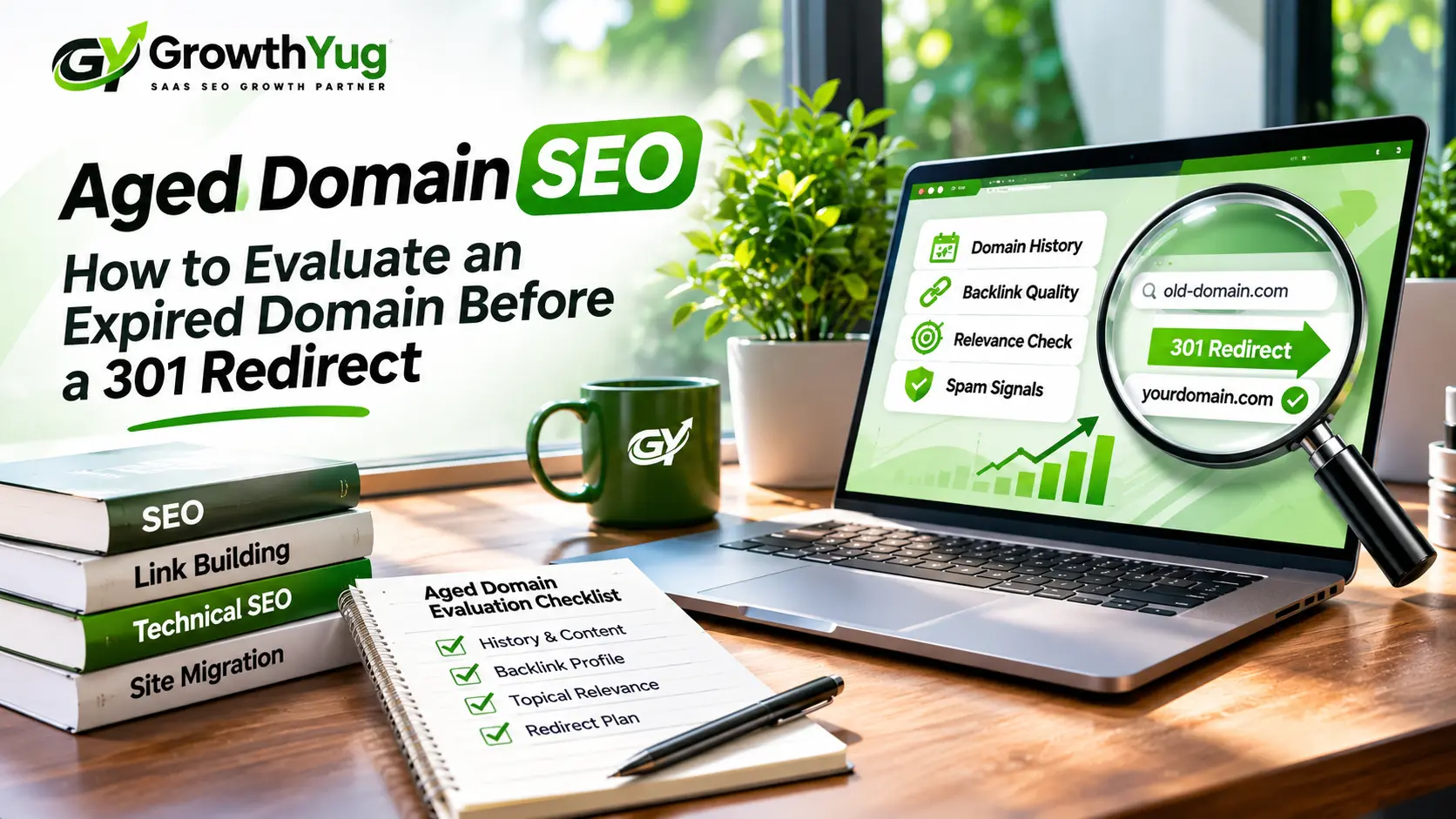
Aged Domain Evaluation Checklist
Before purchasing a domain, use this checklist to organize your findings.
| Check | What to investigate |
|---|---|
| Historical content | Previous website purpose and content changes |
| Backlink quality | Relevance and quality of referring domains |
| Anchor text | Unnatural or suspicious patterns |
| Domain metrics | DR, DA, and Authority Score limitations |
| Organic visibility | Historical keywords and traffic trends |
| Spam signals | Hacked content, spam, and manipulative links |
| Topical relevance | Connection to your intended website |
| Redirect mapping | Relevant destination for each important URL |
| Technical status | Existing redirects, errors, and available Search Console data |
Do not treat this as a numerical scoring system where a domain automatically passes after checking a certain number of boxes. Some issues require deeper investigation, and a serious concern may be enough to reject a purchase.
Common Mistakes When Buying Aged Domains
Even experienced marketers can make poor decisions when they focus too heavily on surface-level metrics.
Buying only because of a high DR: Authority metrics are useful for comparison, but they do not establish backlink quality or historical trust.
Ignoring the Wayback Machine: Skipping historical research can leave major changes in website purpose undiscovered.
Assuming every backlink is valuable: A large backlink count does not guarantee relevant or genuine links.
Redirecting everything to the homepage: An irrelevant destination can create a poor user experience and may be treated as a soft 404.
Expecting immediate ranking improvements: Search engines need to crawl and process changes, and no redirect guarantees ranking gains.
Ignoring the purpose of the redirect: A redirect should serve a legitimate website or content transition, not simply exploit an expired domain’s previous reputation.
Frequently Asked Questions
Does an aged domain automatically have SEO value?
No. Domain age alone does not establish SEO value. Its historical content, backlink profile, relevance, and overall condition are more useful evaluation factors.
Does a 301 redirect transfer backlinks from an old domain?
Google treats permanent redirects as a signal that the destination should become canonical. However, this does not guarantee that every historical link will provide a ranking benefit. The relevance and quality of the original links and destination matter.
Is a high DR enough to buy an expired domain?
No. DR is a third-party metric, not a Google ranking score. Always investigate referring domains, anchor text, historical content, organic visibility, and spam signals before purchasing.
Can I redirect an aged technology domain to my existing technology website?
It may be technically possible, but the shared industry category alone does not establish that the redirect is appropriate. Investigate the old domain’s actual content, URL history, and backlink relevance, and ensure that the redirect serves a legitimate purpose.
How can I check an expired domain’s history?
The Wayback Machine can show available historical website snapshots. You can combine this research with backlink analysis tools, organic visibility estimates, and available Search Console information.
Final Thoughts
Aged domains can be worth investigating, but buying one based only on domain age, DR, or backlink count is not a sound SEO decision.
A proper aged domain SEO evaluation should consider historical website content, referring-domain quality, anchor text, organic visibility, spam signals, and topical relevance. If a 301 redirect is being considered, there should also be a legitimate reason for the move and a relevant destination for the old content.
The best approach is to investigate first, compare the evidence, and reject domains that carry more uncertainty than potential value. A careful evaluation will not guarantee better rankings, but it can help you avoid questionable purchases and unnecessary SEO risks.